Modern TV home
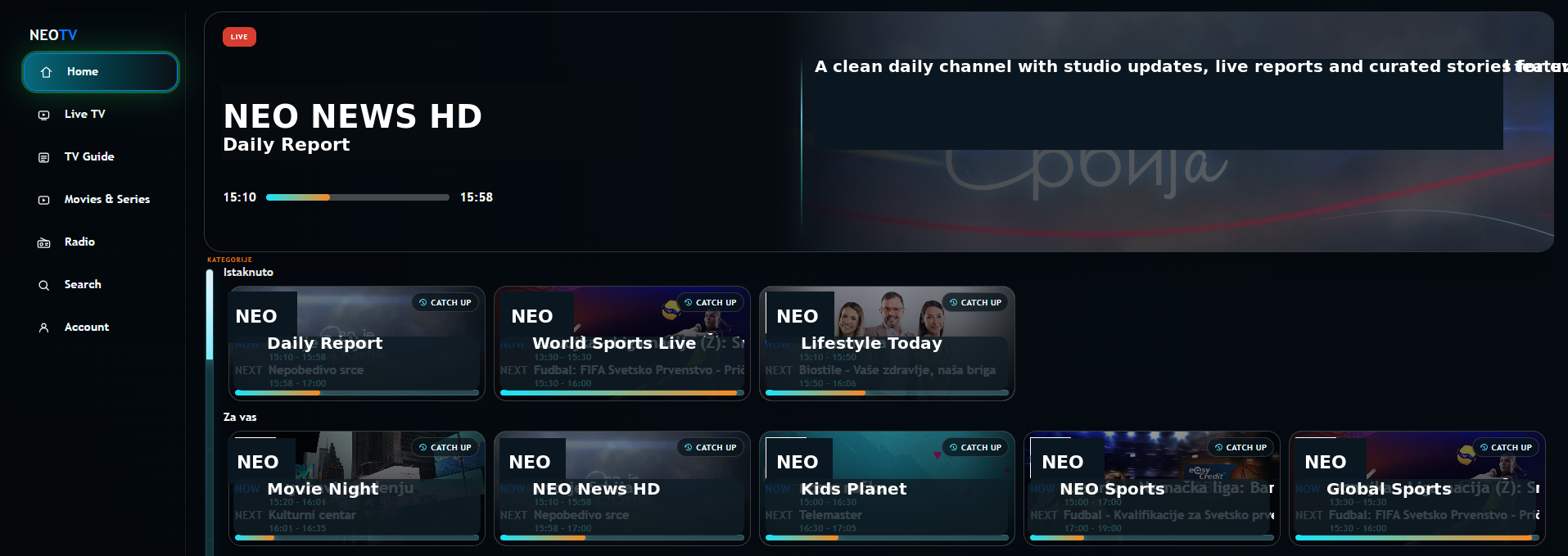
Replace the old portal feel with a clean dashboard, hero area, horizontal rows, and a remote-friendly navigation model.

NeoXportal sits in front of existing MAG/Stalker style portals and gives providers a branded, controlled, TV-friendly interface without replacing the full backend from day one.
Modern rows, clean cards, and provider controlled highlights.
Start with a better user interface, then add provider tools step by step: licensing, catalog imports, dashboard control, and optional services later.
Replace the old portal feel with a clean dashboard, hero area, horizontal rows, and a remote-friendly navigation model.
Set app name, logo, accent colors, and home sections without editing the TV frontend manually.
Support individual licenses and provider bulk packages with active device tracking and license status visibility.
Import channels and categories from the provider portal and use them to build controlled TV dashboard sections.
Create different home layouts for different user groups, such as language regions, VIP users, or seasonal campaigns.
Frontend files are not the product by themselves. Access is tied to valid provider, device, and session checks.
Modern TV and provider portal screens, prepared with generic demo channels for public preview.
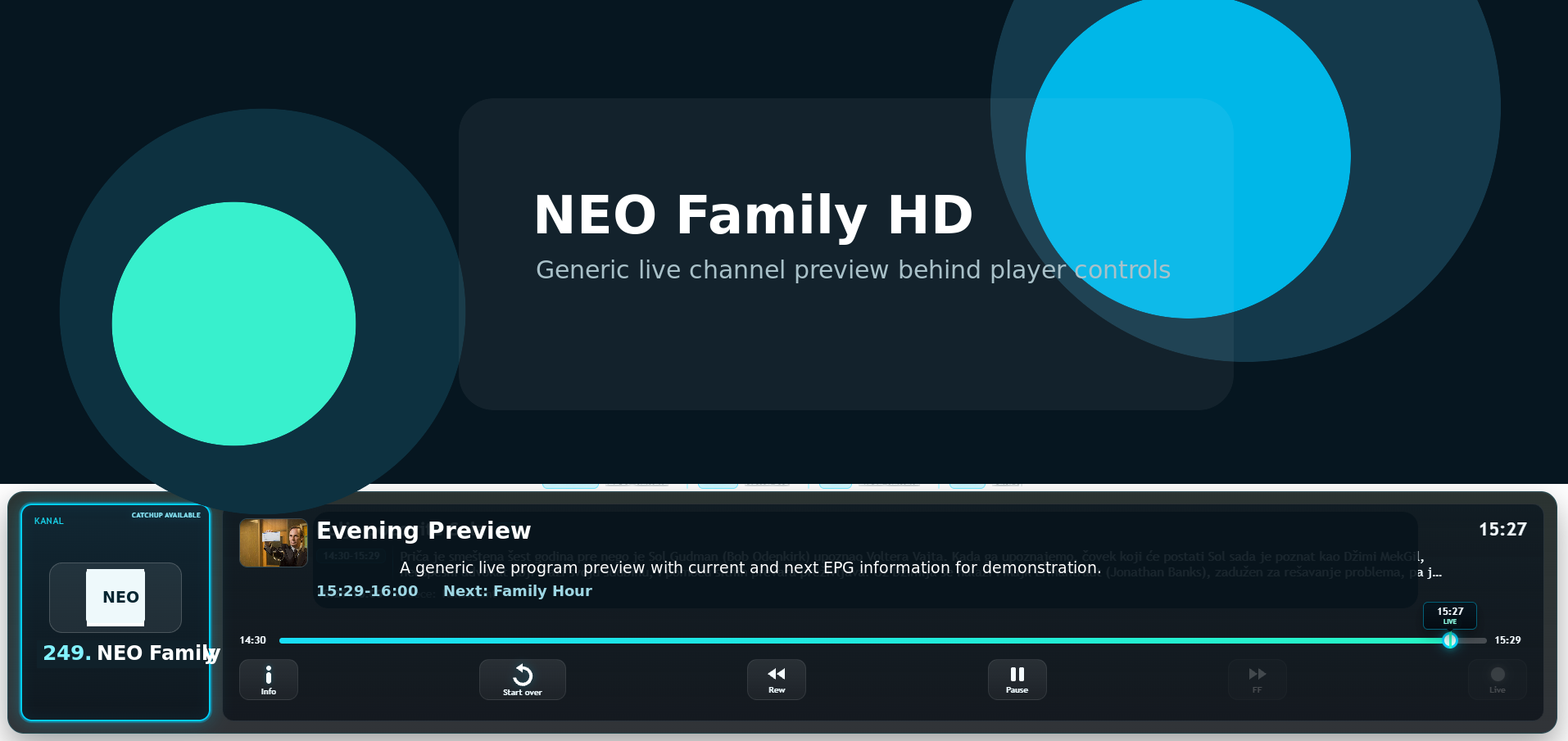
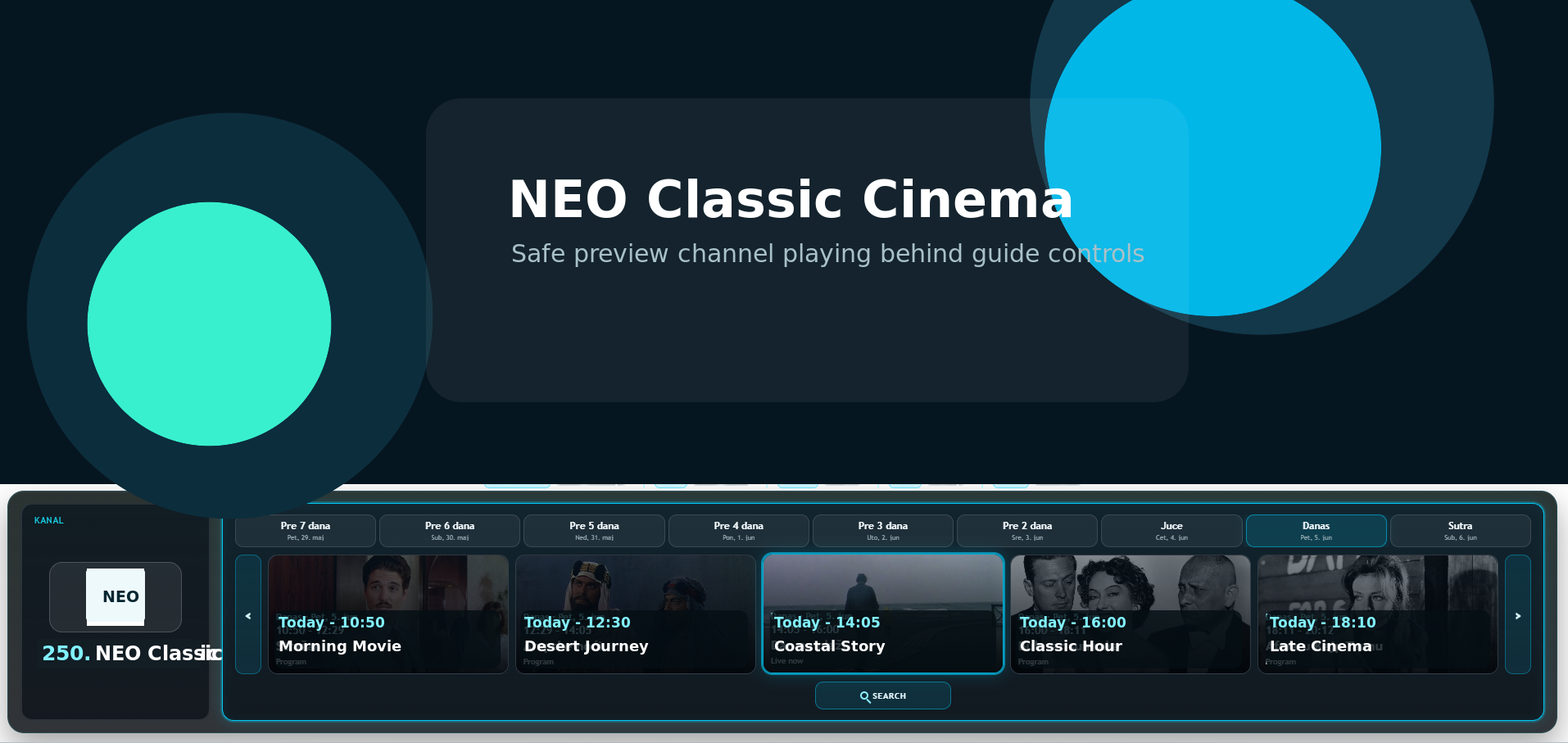
NeoXportal is planned to support optional EPG and catchup services for providers that do not have stable archive data in their current backend.
Cleaner program data, mapped XML IDs, and better guide/search experience across supported portals.
Optional recording packages for selected channels through our future recording infrastructure.
Initial pricing is designed for an interface layer product. Bulk plans are billed monthly by package size.
Per device, monthly. Best for single device activations or low volume providers.
Create accountPer device, yearly. Lower cost for long-term individual device usage.
Create accountProvider package billing. Starts at 50 seats, with better rates on larger packages.
Talk to salesNo. The first goal is to modernize the frontend experience while keeping the existing provider portal and content source.
Yes, individual devices can have an override portal URL. Full catalog driven dashboard benefits work best when the device uses the provider default portal.
The interface can use existing provider EPG/catchup where available. Managed EPG and cloud catchup are planned as optional future services.
You create a provider account, confirm your email, complete portal onboarding, import catalog data, and configure the first TV dashboard.
Yes. Provider branding includes logo, app name, colors, dashboard rows, highlighted channels, and layout groups.